Rigging The Model
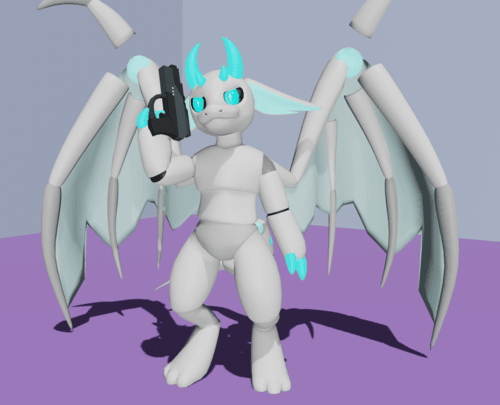
This is where you finally can rig your character so it can be posed in any way you desire. Rigs are important to use if you want to make an animation out of it in pose mode. Blende shapes can be also used to animate character's expressions.
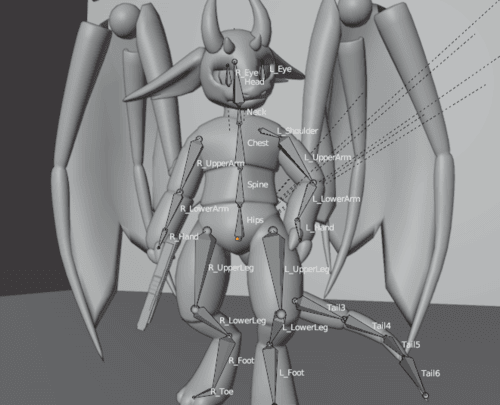
To make a rig, you need to go to Add > Armataure.
The next step is to exend bones by making a 'head', 'body', and other stuff of how bones should look like just like a human body since its a character.
Next, you should name the bones to the corasponding bone such as if the bone is at the body of the mesh, name it 'body'.
Finally, Weight paint it by automatic weight paint or manually do it. I usually use automatic to get it done faster.
Now go into pose mode and test the model! it should beable to bend the mesh to make poses now. If the mesh dont bend right, then its possibly that the weight paint is actting up as you should go and fix it.
Congrates! your done with rigging your character! Now that your done with the character, you should take photos of it! Give yourself an applause first to celebrate.